
Searching Cases by Name
For a 7th JDC civil, criminal, family, succession, or probate matter, start with eClerks LA and the Concordia Parish Clerk of Court. The Statewide Portal route calls for an account login. The parish does not offer a guaranteed public name-search form without one. After you log in, choose Parish Search and select Concordia when the service allows it. Then apply the sharpest filter you can. A name, a case type, a date, or a court. Be careful with hits from land-record or marriage indexes. Those are not proof of a district-court docket entry.
- Identify the court first. A Vidalia City Court, mayor's court, justice of the peace, traffic, or federal case may not be in the 7th JDC route.
- Open eClerks LA, register or log in if the Statewide Portal or Parish Search route asks for an account.
- Select Concordia from the Parish Search list when available, then choose the civil or criminal module that matches the case.
- Enter the least ambiguous name information available, add a date range or partial-name option if offered, and open the matching detail rather than relying on a result list alone.
- Compare the result with the court, division, filing date, and most recent setting. Call the clerk if the online record is incomplete or uncertain.
The eClerks help materials list the portal controls described next. Several apply to land or recordation workflows, so they appear only when that module is in use.
| Field or control | Type | Required | Concordia search note |
|---|---|---|---|
| Email address | Login text field | Yes for login | Account credential for the inspected Statewide Portal route. |
| Password | Password field | Yes for login | Use Register or password recovery when needed. |
| Remember me? | Checkbox | Optional | Login-persistence control on the inspected route. |
| Register or resend confirmation | Link or button | Not applicable | Account-creation and email-verification routes. |
| Parish | Dropdown | Yes for Parish Search | Select a participating parish, then confirm Concordia module coverage. |
| Record module | Tile or link | Unspecified | Civil or criminal availability depends on the route and participating parish. |
| Last Name or Entity | Text field | Unspecified | The guide documents a name filter and a partial-name example. |
| First Name | Text field | Unspecified | Use with the surname where the selected module allows it. |
| Partial Name Search | Text or checkbox | Optional | Useful when a spelling or exact form is uncertain. |
| From Date and To Date | Date fields | Optional | Limits a search to an expected filing or recording period. |
| Alpha, Date-Alpha, Day Book | Tabs or controls | Unspecified | Documented recording workflows, not guaranteed 7th JDC docket fields. |
| Instrument or Book/Page | Text field | Optional | Land-record controls, not a Concordia court case-number format. |
| Description | Text field | Optional | Document-description field in the guide's recorded-document workflow. |
| Grantors or Grantees | Checkbox facets | Optional | Land-record result facets, not party-name guarantees for a court docket. |
| Book Type, Document Type, Cancelled | Checkbox facets | Optional | Recorded-document filters shown in the guide. |
| Search and Clear | Buttons | Search required to run query | Clear removes selected filters before another attempt. |
| View Image | Link after result | After result | Can open an image where the selected parish makes it available. |
| Cart or My Parish Documents | Navigation | After login | Used for purchases and downloads; the guide describes a 72-hour download window. |
Concordia Parish Case Search Entry Point
eClerks LA runs through the Louisiana Clerks' Remote Access Authority, or LCRAA. Its home page lays out three routes: Statewide Portal, Parish Search, and Criminal Search. The Statewide Portal is free for land records. It also covers marriage licenses and civil information. Parish Search can involve subscriptions. Document viewing, printing, and image purchases may cost too. Criminal Search is a separate tile. It covers criminal records across Louisiana parishes. Those descriptions make eClerks a strong entry point for a Concordia Parish court docket hunt. They do not promise that every case or image sits in every route. The eClerks LA home page shows the statewide and parish options. Both appear before any record path is chosen.
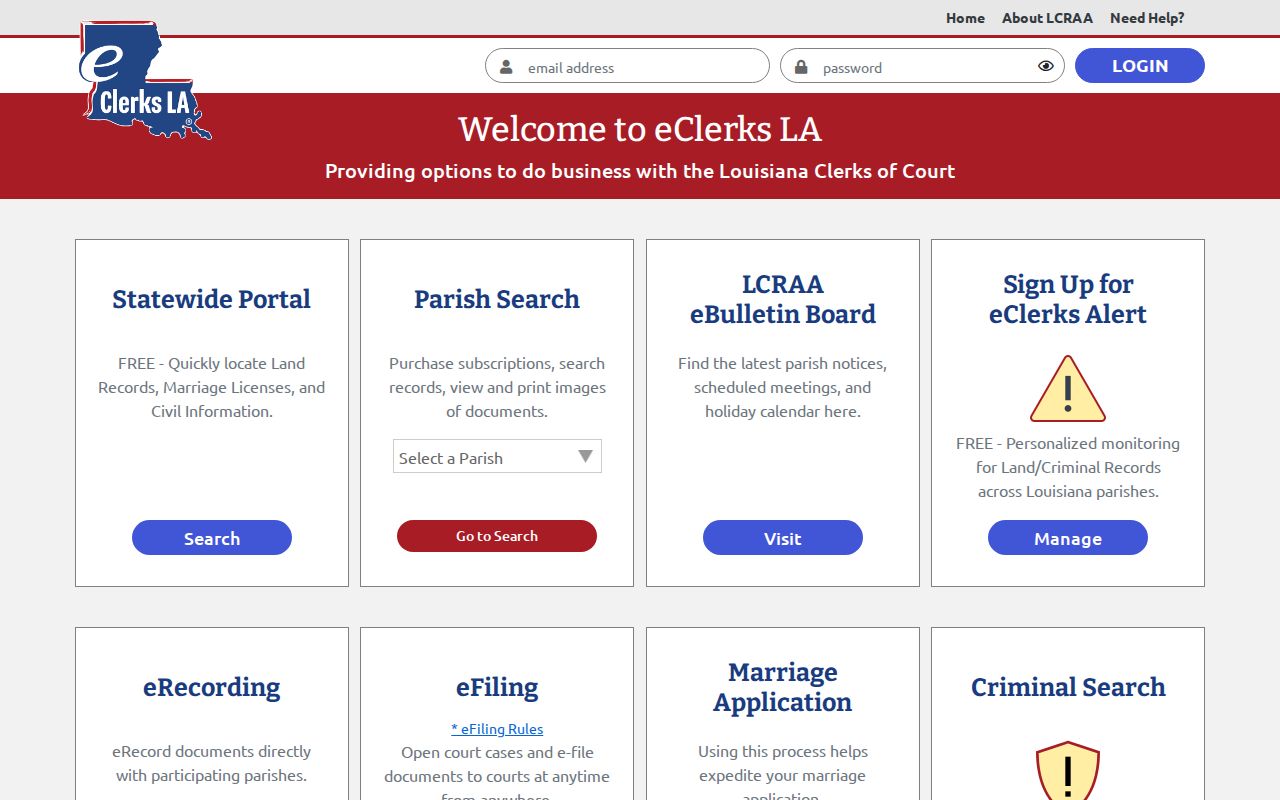
Those visible options are a reminder. Note the record type and parish selection whenever a Concordia Parish docket search is attempted. Inside a parish search, the help guide describes an End User License Agreement, recent-search tools, filters, an image cart, and downloads through My Parish Documents. Images may sit behind subscription or per-page purchase steps. The guide also says downloaded documents remain available for 72 hours. Treat any portal printout as reference material only. When certification matters, get a certified copy from the clerk.
Searching by Case Number
A case number is usually the fastest way to narrow a Concordia Parish docket search. Calendar examples show a comma-separated five-digit civil style such as 56,xxx. A year-hyphen criminal style such as #YY-#### also appears. These are visual patterns from the public calendar. They are not published input rules. Keep the punctuation and division marker exactly as they appear on the notice or docket. Then ask the clerk. How does the portal expect the number to be entered? Pair the number with its court. Take a 7th JDC number to the clerk or a matching eClerks route. A citation number belongs with its issuing agency. That may mean the sheriff, district attorney payment path, Vidalia City Court, or the relevant mayor's court. Federal case numbers go through PACER for the Western District of Louisiana, Alexandria Division. Matching the number to its custodian beats running the same digits through every system.
Concordia Parish Case Search Number Clues
Never confuse a court case number with an instrument number. The eClerks guide documents book-and-page input such as 555/8888 for land records. That format belongs to recordation searches. It is not a 7th JDC civil docket number. That item may be public information. But a land, marriage, or day-book module entry may have nothing to do with a district-court case.
- Case number
- The court's identifier for a civil, criminal, family, probate, or related case.
- Instrument number
- An identifier used for a recorded land or recordation document, not a court docket number.
- Division
- For 7th JDC matters, Division A or Division B can help the clerk locate the correct court record.
- Minute entry
- The clerk's or court's record of what occurred at a proceeding; a statewide criminal payload can contain selected public minutes.
The LCRAA overview explains that the remote-access system serves records kept by participating parish clerks.
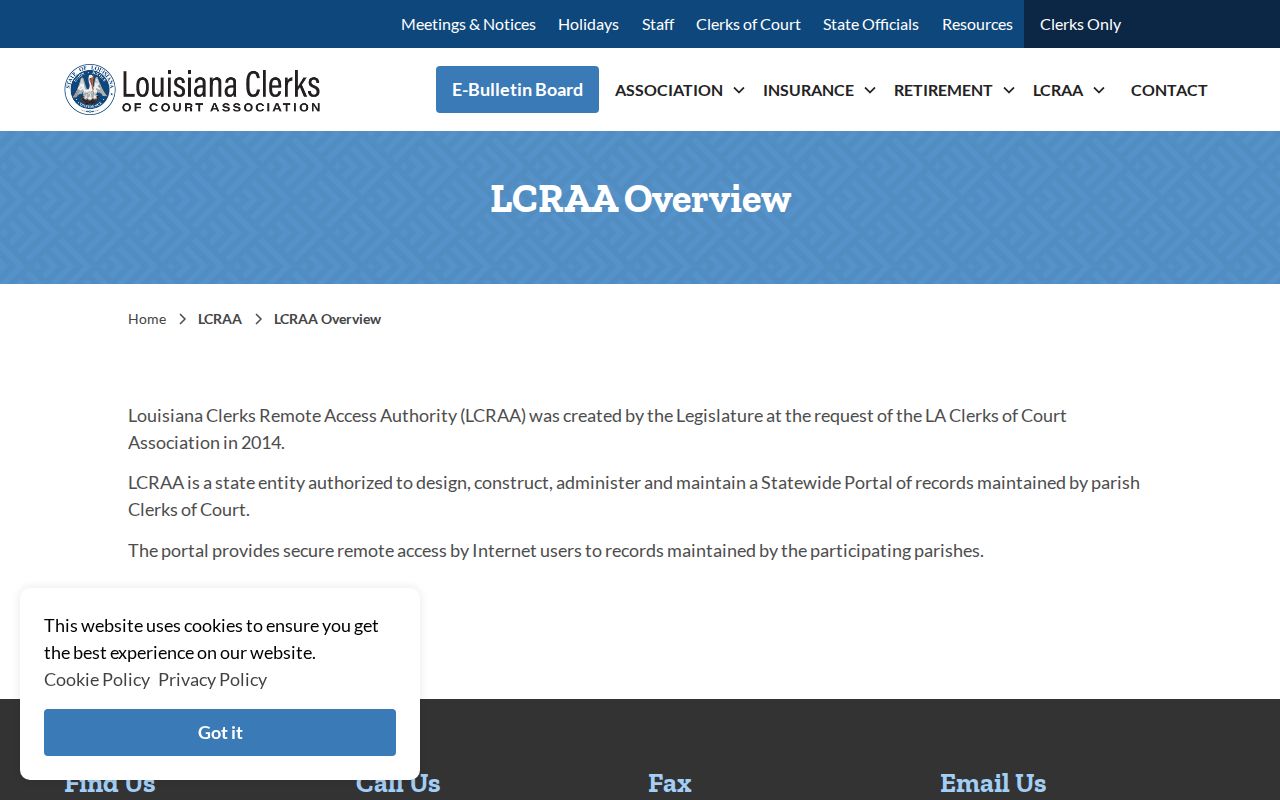
That access structure explains why one local case can call for a parish selection, an account, an image purchase, or a direct call to the clerk.
What a Case Search Returns
A Concordia Parish case search may return an index. It may also return a case detail view, a calendar reference, or selected minute-entry information. The public Concordia interface sits behind account access. So no page can promise an identical local field list. When a detail view opens, compare it against what the clerk holds. Check the court, division, case number, and filing date. Also check parties or caption, case type, chronology, current setting, status, and document links. The clerk's records control.
| Court and division | Identifies the 7th JDC and, where shown, Division A or Division B. |
|---|---|
| Case number | The unique court identifier; preserve the original format from a notice or docket. |
| Caption or parties | Names the sides of a case when public access rules permit display. |
| Case type | May describe civil, criminal, family, succession, protective-order, or other court category. |
| Chronology | Can include filings, motions, orders, hearings, resets, trial events, and disposition entries. |
| Setting and status | Shows an upcoming or past court action when the system exposes it; confirm changes with the clerk. |
| Images or copies | May require a parish subscription or cart purchase; an online image is not automatically certified. |
For qualifying criminal cases filed on or after January 1, 2020, La. R.S. 13:5992 requires the specified public minute-entry data or a summary. It does not require every filing image. Traffic is excluded from that transmission requirement.
Concordia Parish Case Search Fields
Gather your facts before you touch any search screen. Write down the parish, the court, and the division. Include the exact name spelling, a likely filing year, a case or citation number, the case type, and a recent hearing date. Having these on hand makes a Concordia Parish court docket search far easier. It also lets you describe an access problem without handing over extra personal details for what is a public record inquiry.
The LCRAA support form asks you to name the parish in question. That detail matters. Sometimes a hearing date is your only lead. The 7th JDC calendar offers navigation controls rather than a public case-number field, so you can scan for a schedule block. What you cannot do is treat it as a docket database. It simply is not one.
| Calendar control | Type | Required | Use for a Concordia date check |
|---|---|---|---|
| Year and month links | Navigation links | No | Move to the expected hearing period. |
| < Year, < Month, < 2 Weeks, < Week | Navigation links | No | Move backward through the public schedule. |
| Today | Navigation link | No | Return to the current calendar date. |
| Week, 2 Weeks, Month, Year | Navigation links | No | Change the visible date range. |
| Display and Navigation Bar | Select or input controls | Unspecified | Vendor display controls, not case filters. |
| Absolute, Relative, Both, Neither | Display options | No | Calendar relationship display choices, not docket criteria. |
| Add/Edit, Options, Settings | Links | Not public case search | Administrative or vendor controls; do not use them as record filters. |
The Louisiana Clerks of Court directory organizes its listings by parish and court so you can find the right office for a Concordia Parish case lookup.
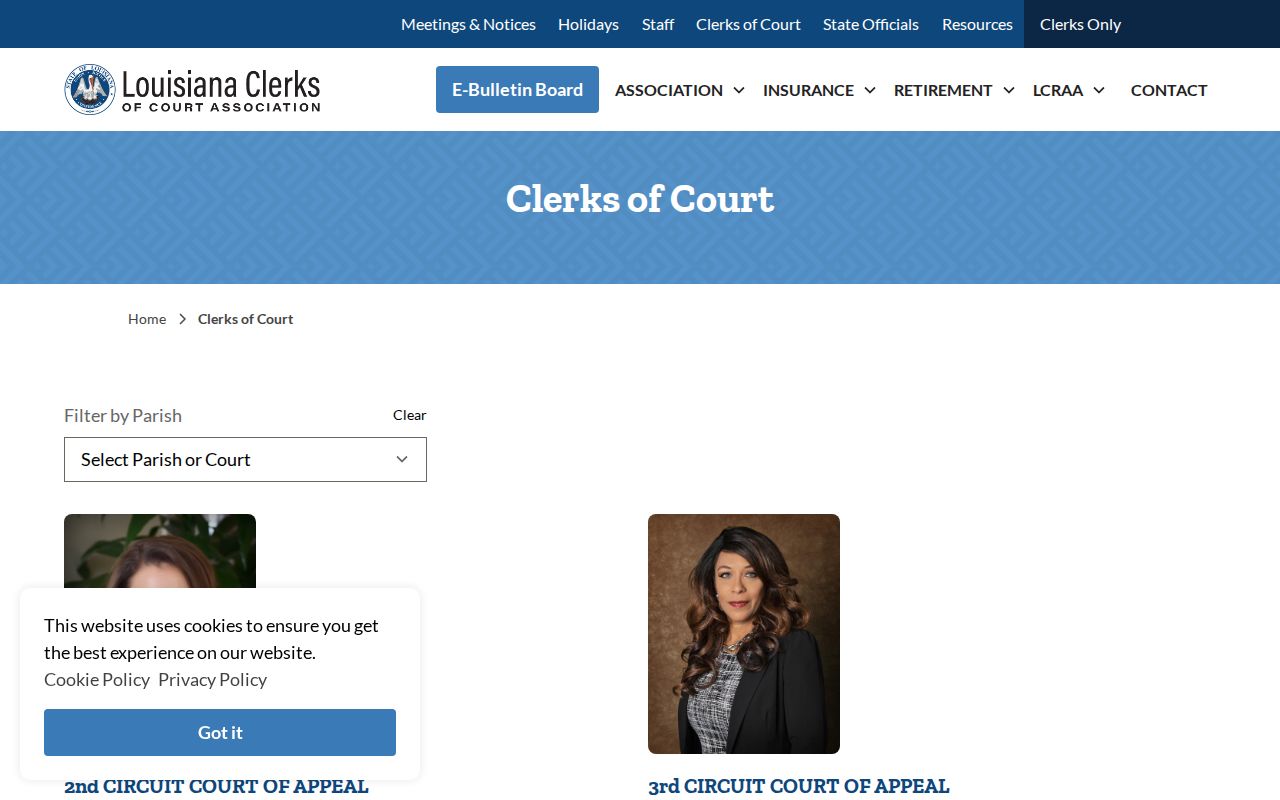
That directory points to a simple first move. Find the parish clerk or the proper court office before you assume an online access layer holds the official Concordia Parish court records.
Record the route. Keep the portal name, login state, parish selected, record module, date searched, and exact filters with your case notes. A later clerk request is easier to resolve when those details are available.
Statewide vs County Case Search
Louisiana has no single anonymous docket screen covering every trial court case. eClerks LA provides statewide discovery and parish search layers. The Concordia Parish Clerk of Court, though, is the official custodian of 7th JDC civil and criminal records.
So pick your route by goal. The statewide option helps when you are still identifying an index or search function. For a specific Concordia record, a full file, a paper archive, or a certified copy, the parish clerk route fits better. That is where the actual court docket lives.
| Access route | What it can help find | Important limit |
|---|---|---|
| eClerks LA Statewide Portal | Free statewide land, marriage, and civil information described by the portal. | The inspected route required a login, and a result is not a certified court record. |
| eClerks LA Parish Search or Criminal Search | Participating-parish search, available records, images, or criminal information. | Concordia coverage, subscription terms, and image availability must be confirmed. |
| Concordia Parish Clerk of Court | 7th JDC public docket and file inspection, copies, certification, and older-record help. | Separate city, mayor's court, justice of the peace, traffic, and federal records need their own custodian. |
Concordia Parish Case Search Portal Limits
Do not read a paywall as proof that a record is missing. An account gate, a parish subscription, or an image purchase tells you nothing about whether a public court record exists. The eClerks login route presents email and password fields, registration, password recovery, and email confirmation. Its help guide outlines separate parish workflows, image carts, and a 72-hour document-download window. In short, it is an access layer with tiers of service. It is not a promise that every Concordia docket entry or full image is visible without checking the clerk.
The eClerks LA portal divides statewide, parish, e-filing, and criminal functions on its public entry page. That page is where each route begins.
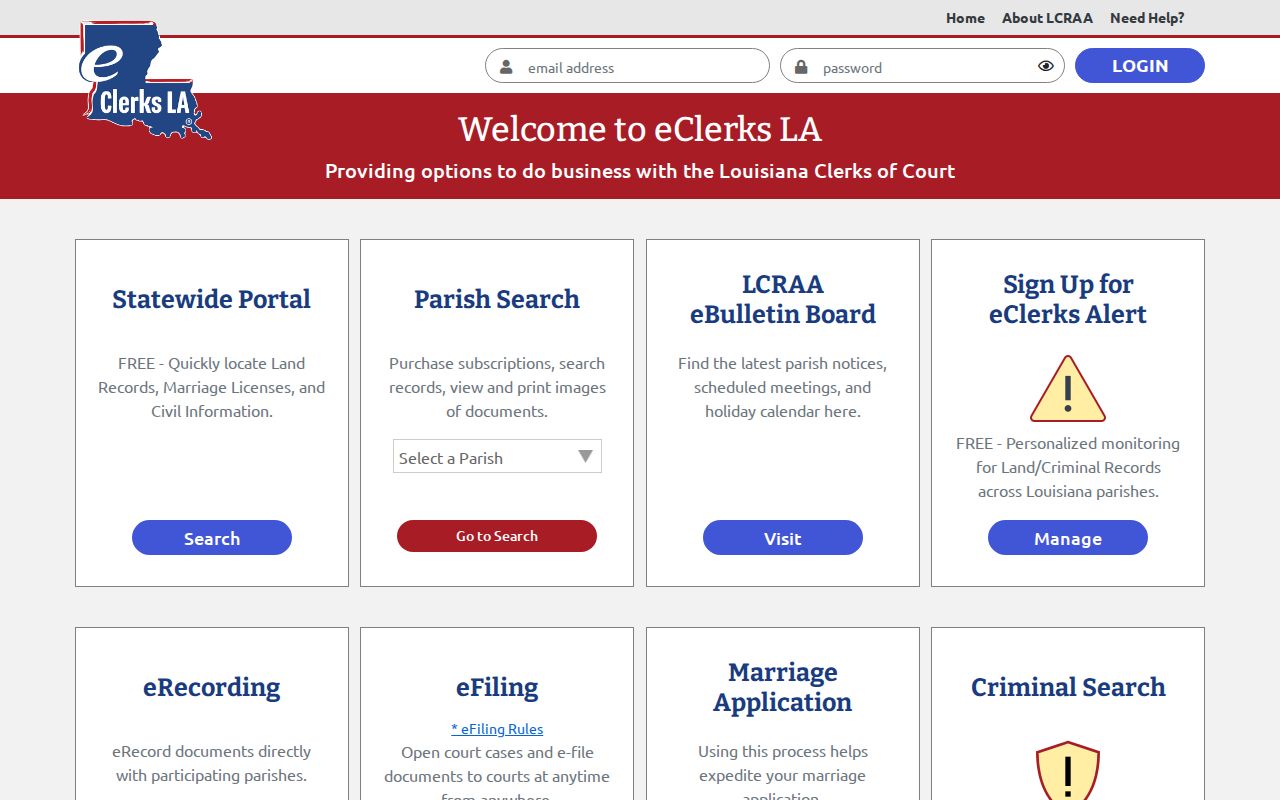
Pick the record type first. Then confirm the Concordia route you chose actually shows the information you want.
One clerk URL that circulates widely online leads to an unrelated site. Until the clerk confirms a replacement, rely on the LCRAA site, the clerk directory, or a phone call instead of that address.
Concordia Parish Case Search No-Result Ladder
A blank result screen means narrow the problem. It does not mean no case exists. The cause could be a name variation, a missing year, the wrong civil or criminal module, a lower-court case, a traffic exclusion, an older paper file, a sealed matter, or a record not yet indexed. That is a long list of ordinary explanations.
For 7th JDC matters, start from the current notice or a known date and use the clerk's verified channels. The office sits at 4001 Carter Street, Room 5, Vidalia. Call (318) 336-4204 with your case number ready.
- Recheck the court, name spelling, number format, case type, division, and approximate filing year.
- Try the matching eClerks route only after confirming whether Concordia participation and the needed module are available.
- Use the 7th JDC calendar for a known hearing date, but treat it as a schedule aid rather than a complete case search.
- Call or visit the clerk for a 7th JDC public index or paper-file question; ask whether a lower court, traffic office, or another custodian holds the matter.
- For federal cases, use PACER. For a city or mayor's court case, contact that local clerk or court directly.
Note: The clerk can walk you through a lawful access route. The clerk cannot disclose records that a statute, court order, or confidentiality rule withholds.
Access and Restricted Cases
Public access stops at certain doors. The Concordia Parish Clerk of Court is the legal custodian of 7th JDC court records under La. C.C.P. article 251, and Louisiana law generally recognizes a right to inspect public records. Even so, some material stays out of an ordinary search. Juvenile files, sealed and expunged matters, protected family or adoption content, and protected identifiers may be withheld, summarized, redacted, or simply absent. A calendar label by itself never settles whether every document in a matter is public.
Juvenile records fall under Children's Code article 412 and are generally confidential. An expunged case should not be pieced back together through public searches. When a result is marked restricted, or nothing appears for a known protected matter, ask the clerk about the lawful access procedure. Ask that rather than for the protected content itself.
Public-record boundary. La. R.S. 44:31 and 44:32 recognize inspection and copy rights for public records, while the custodian must follow statutory and court-ordered limits. Ask for the legal basis if a public-record request is denied.
Concordia Parish Case Search Log
Keep a simple search log when a Concordia Parish docket search matters to a live case, a hearing date, historical research, or a records request. Record the date and time, the portal or office used, whether an account gate appeared, and the parish and module you selected. Add your search terms and what came back: an index, a minute entry, a calendar item, an image option, or nothing. Skip restricted personal information entirely.
A log like this separates a portal limitation from a real court-record question. If an image is unavailable, contact the clerk with the case number, court, division, document type, and approximate date. Ask whether a plain copy, certified copy, extract of minutes, or another record product is available. Get the current fee and turnaround before you send any payment.
Note: Save public interface details and your own search choices, not private case-party details or images the access rules do not allow you to keep.